9th February 2026
With a refreshed design for macOS Tahoe, improved multi-display support and more, Umbra 1.5 makes managing your wallpapers, and dark mode, even better than before.
Since our last update to Umbra, we've had plenty of requests for new features, and with the introduction of macOS Tahoe, this year seemed like the right time to get to them.
Umbra 1.5 introduces a refreshed interface designed for macOS Tahoe, alongside some highly requested features that make working with multiple displays, wallpapers and Unsplash even easier than ever.
Umbra has been refreshed to feel right at home on macOS Tahoe. The interface has been refined with liquid glass and visual elements that align with Apple's latest design language, while maintaining the simplicity and ease of use you expect from Umbra.
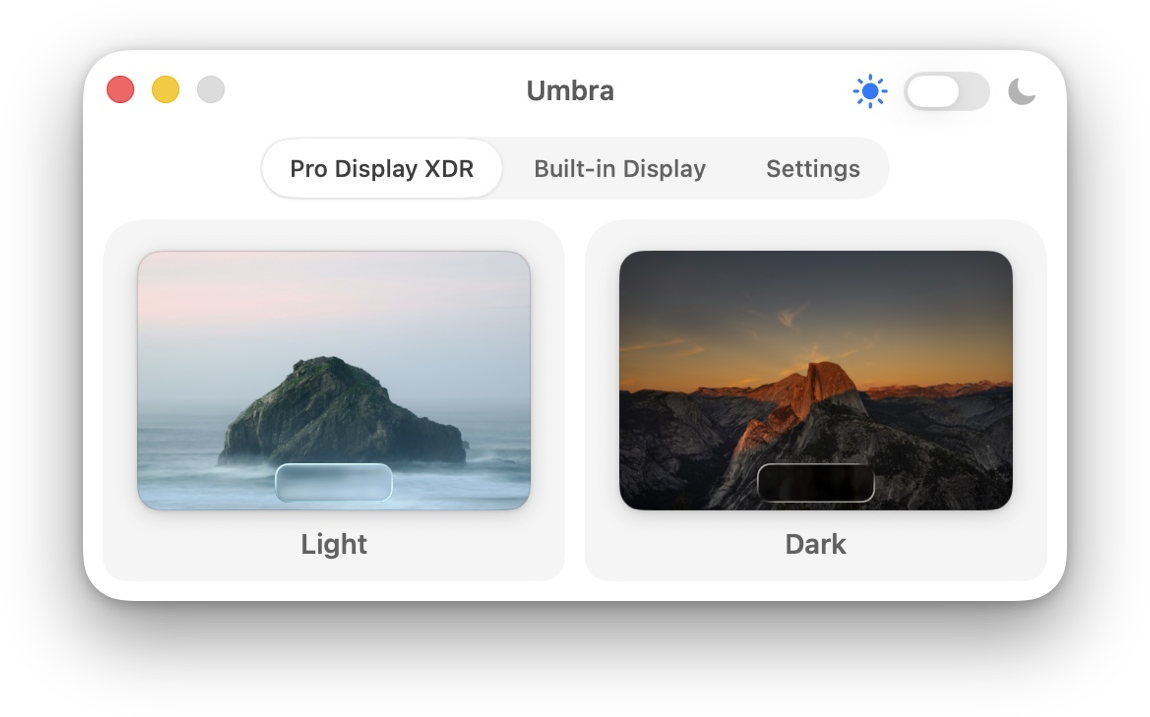
Umbra 1.5 now lets you choose different wallpapers, lightband dark, for each of your connected displays, with Umbra remembering your preferences for each screen. Perfect for multi-monitor setups where you want different wallpapers on each display.
This setting is on by default, but if you prefer the previous behavior of setting wallpapers for all displays at once, you can disable it in Umbra's settings.
Dynamic wallpapers on macOS that use the HEIC file format offer mutliple variants of a wallpaper, perfect for light and dark appearances. Umbra has always supported HEIC files, but now when you drop them into Umbra you can choose which image from the file is applied. Choose the appropriate variants for light and dark modes, or mix them up as you like.
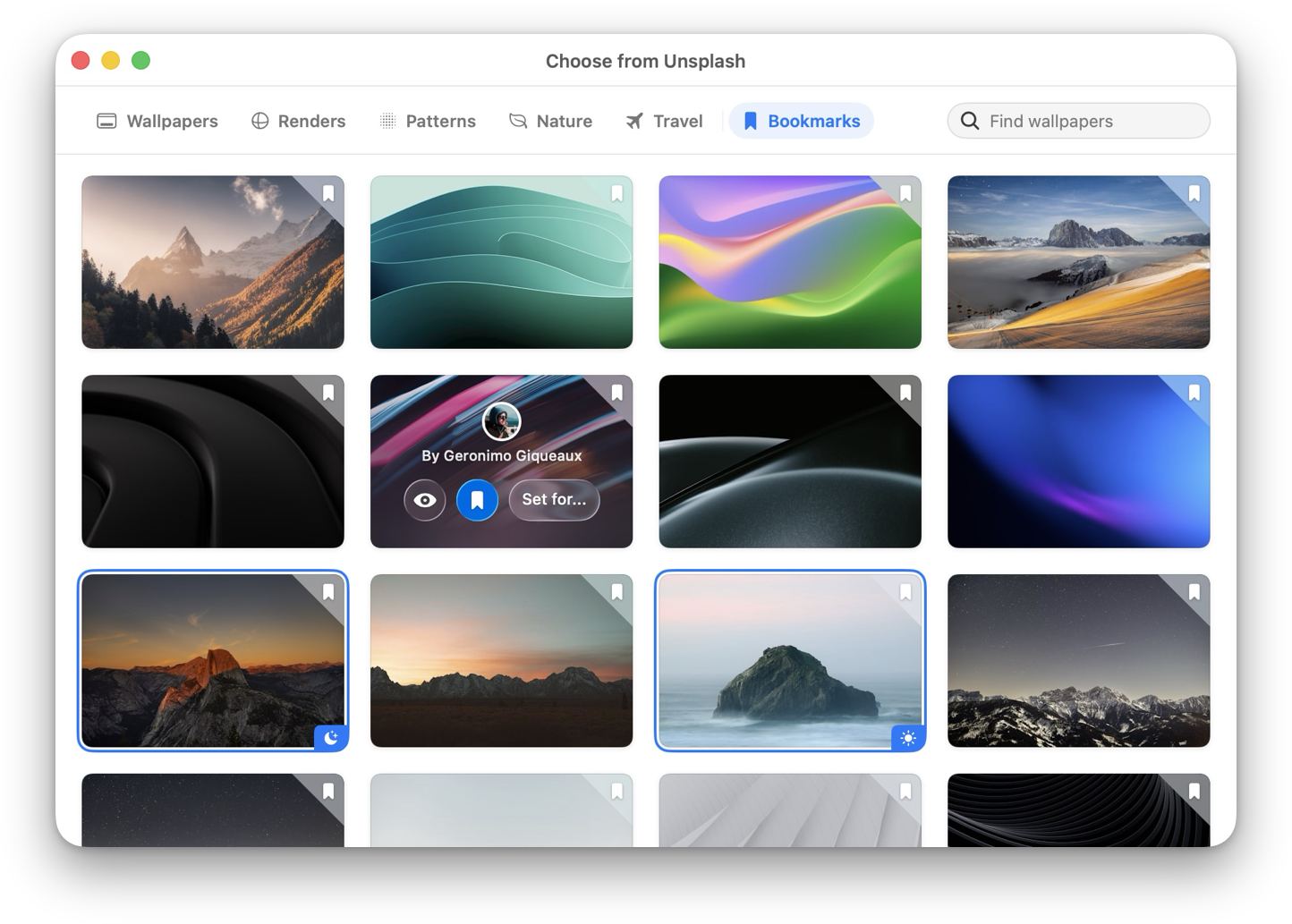
Found the perfect wallpaper but not ready to apply it just yet? The built-in Unsplash browser now includes a bookmarking feature, letting you save your favorite wallpapers for later. Build your own curated collection and apply them whenever you're ready.
If you like using Umbra to toggle the system appearance, but prefer to manage wallpapers yourself, you can now right-click and 'Restore Default Wallpapers' to use your system wallpaper. Umbra will no longer manage your wallpapers when the system appearance changes, unless you choose to set a wallpaper in Umbra again.
As always, this update includes several bug fixes to improve reliability and performance.
You can manually check for updates in the 'Preferences' tab of the current version of Umbra to install the update.
Umbra 1.5 still supports macOS 11.5 (Big Sur) and later and is a free upgrade for all existing customers.
Umbra is available exclusively on Gumroad.
Get it now for MacPay what you like. Requires macOS Big Sur or later (11.5+)
Thank you to everyone who has supported Umbra over the years. We're constantly delighted by how well reviewed and downloaded our first ever app is, and for how many of you have paid something towards it's continued development. If you've purchased Umbra, recommended it to others, or shared your thoughts with us, we truly appreciate it!
Al & Hector